Canva is the tool most new Etsy sellers start with, and for good reason: it’s free to start, it’s easy to learn, and you can design almost any printable or template in it. But there’s a part most “what to sell” lists skip. Canva has its own rules about what you can sell, and they change how you deliver each product. Some products can be sold as a PDF. Some can only be sold as a Canva template link. And a few can’t be sold at all if you made them from Canva’s library.
This list gives you 25 Etsy digital products you can make in Canva, and for each one, how to deliver it so you stay within Canva’s license and Etsy’s rules.
Who this is for: beginners who want to sell on Etsy and plan to design in Canva. If you haven’t opened your shop yet, start with our guide to starting an Etsy digital download shop with AI.
The two rules that decide how you deliver a product
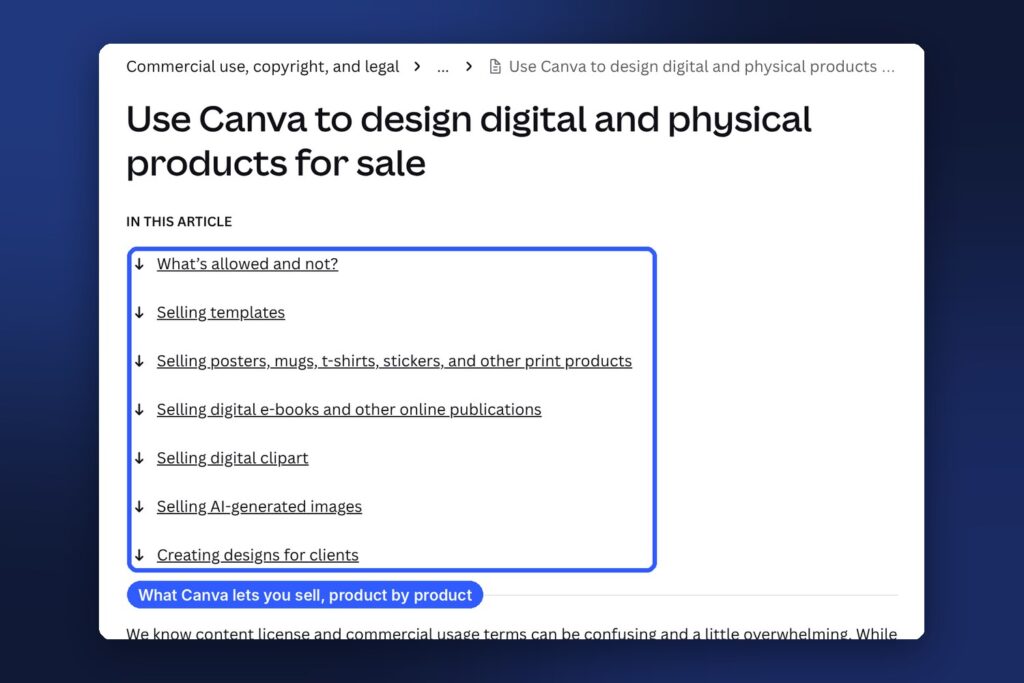
Everything below comes from Canva’s help article on using Canva to design products for sale and its Content License Agreement. In short:
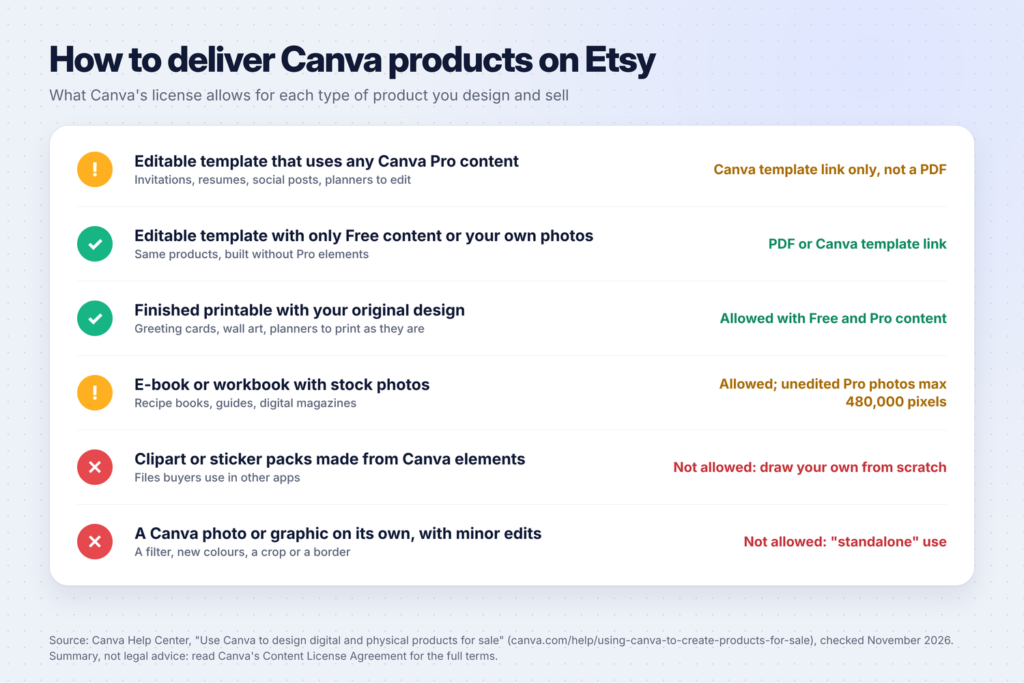
1. You can only sell original designs. Canva says you can’t sell any Canva content “on a standalone basis”. Using a photo or graphic in its original form, or with only a filter, a colour change, a crop, a resize or a border, counts as standalone use. Your product needs real design work: a combination of elements, text and layout that makes something new.
2. Templates with Pro content can only be sold as template links. A template is something the buyer edits, like an invitation or a resume. Canva says that if your template includes any Canva Pro content, you can only sell it as a Canva template link, not as a PDF or other file. Templates made with only Free content (or your own photos and graphics) can be sold as PDFs or template links.
A few more rules from the same article that matter for Etsy sellers:
- Clipart is different. You can’t sell clipart or graphics that buyers use in other apps if you made them from Canva’s Free or Pro content. To sell clipart, you need to draw it yourself from scratch.
- E-books have a pixel limit. If you use a Pro photo unedited (a photo on its own on a page, with nothing on top), it can’t be larger than 480,000 pixels.
- AI images have their own terms. Canva says images made with its AI features aren’t covered by the Content License Agreement but by its AI Product Terms, and that the copyright ownership of AI-generated work is unclear in many countries.
On Etsy’s side, the help center on what you can sell says digital items must be made or designed by you, the seller. Etsy’s Seller Policy also asks you to disclose in your listing when an item was created with AI.
Printables people use as they are (1-8)
These are finished designs the buyer prints or uses without editing. Canva’s rules allow original designs made with both Free and Pro content, so you can deliver them as PDF or PNG files.
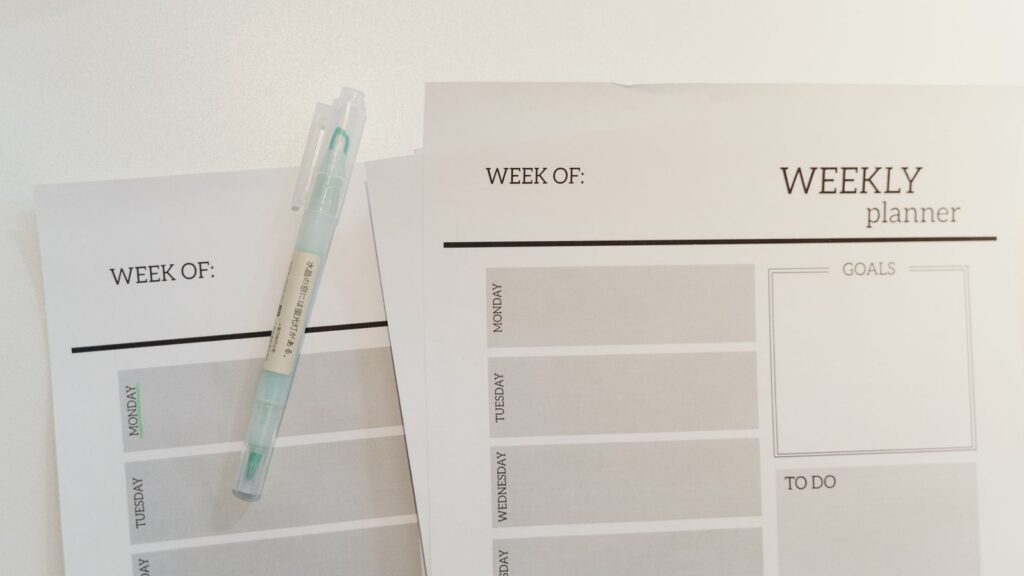
- Undated planners. Weekly, monthly or daily pages in one PDF. Undated versions sell all year. Deliver as a PDF in US Letter and A4 sizes.
- Budget and bill trackers. A monthly budget page, a bill calendar and a savings tracker as a set. Deliver as a PDF.
- Meal planners and grocery lists. Pair a weekly plan page with a grocery list grouped by store section. Our list of ChatGPT prompts for meal planning can help you plan what to include.
- Habit and goal trackers. 30-day or 90-day trackers on one page. Simple, clean layouts are easiest to use.
- Chore charts for kids. Picture-based charts for younger children and checklists for older ones.
- Greeting cards to print at home. Canva’s help article gives this exact example: cards that customers print but can’t edit, designed with fonts and Free and Pro content, are allowed.
- Kids’ activity sheets. Mazes, tracing pages and simple puzzles for a specific age. Draw the activities yourself rather than reselling a single Canva graphic per page.
- Classroom posters and reward charts. Teachers buy sets for one grade or subject. Deliver as a PDF.
Wall art (9-12)
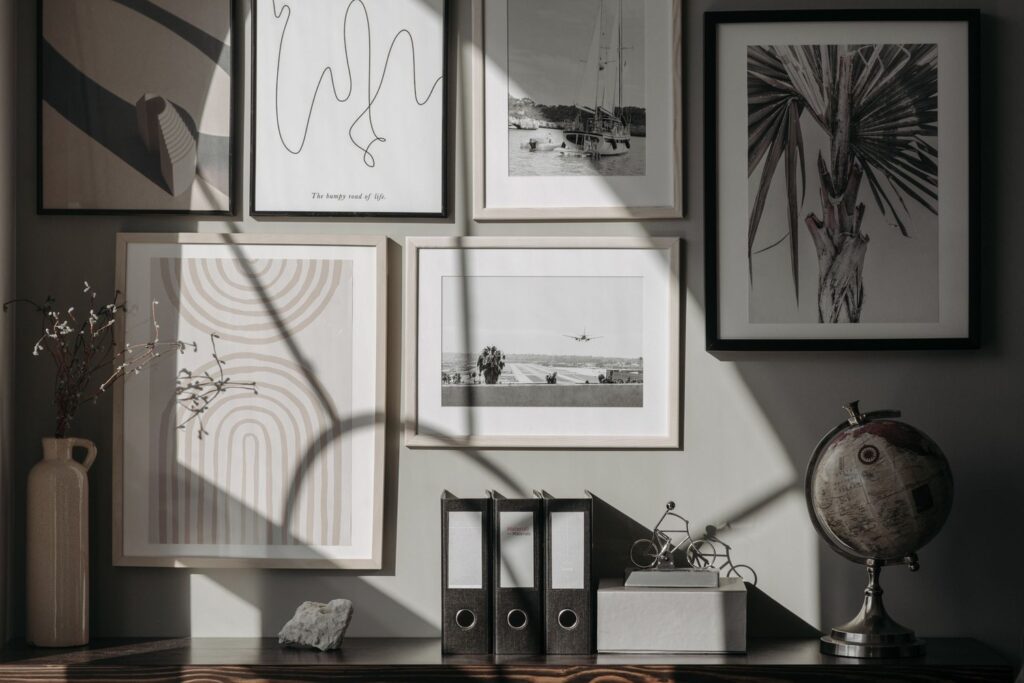
Wall art is where the “standalone” rule matters most. A single Canva photo with a border is not allowed. A typographic quote, your own photo or a layout you composed is.
- Quote prints. Your own wording set in Canva fonts. Canva’s sticker example says designs built from quotes you wrote, typed in Canva fonts, are allowed.
- Nursery prints. Name prints, alphabet posters and simple shape compositions.
- Prints of your own photos. Upload photos you took. Canva says you can use your own photos on their own because you own the copyright.
- Line art and abstract prints. Build them from simple shapes, lines and your own drawing, not a single library illustration.
For wall art, deliver several sizes in one listing, such as 2:3, 3:4, 4:5 and A-series ratios, so buyers can print to the frame they own. Etsy’s help page on managing digital listings allows up to five files per listing, each up to 20MB, so group sizes into ZIP files if you need more.
Editable templates (13-19)
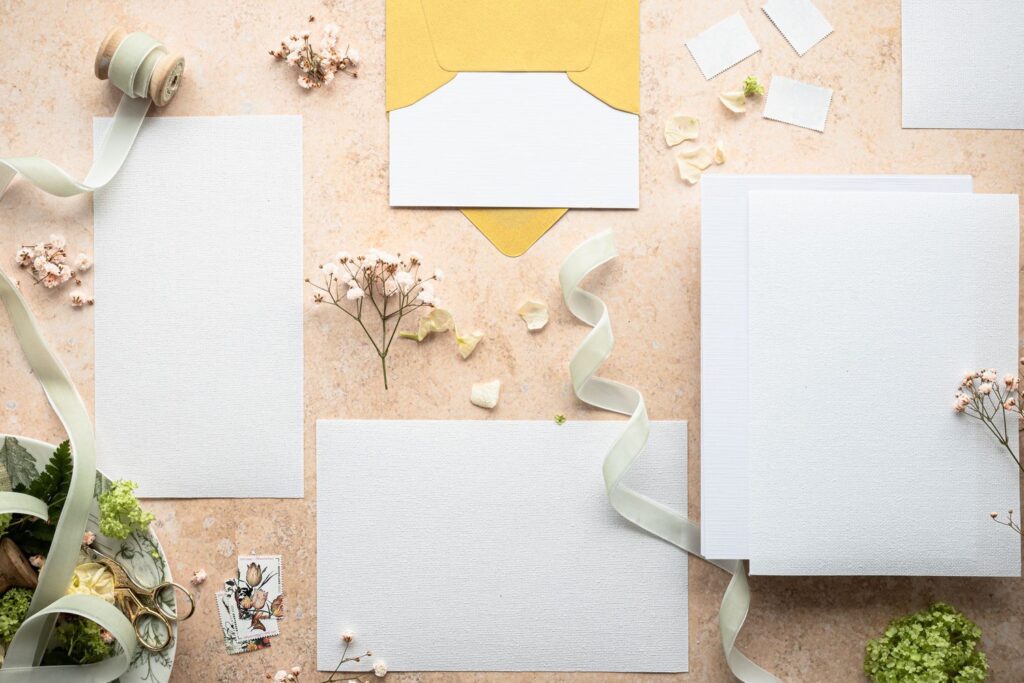
These are the products buyers personalise. If you use any Pro content, deliver a Canva template link inside a PDF. Canva’s help article on sharing a template link says the template link option is available on Canva Pro and other paid plans.
- Wedding invitation suites. Invitation, RSVP and details card in one design. Canva’s own example is a wedding invitation seller on Etsy using template links.
- Party invitations. Birthday, baby shower and graduation invites in a matching set.
- Resume and cover letter templates. Clean, readable layouts sell better than flashy ones. See 25 Canva templates you can sell for more template ideas.
- Social media templates for one niche. “Instagram posts for real estate agents” beats generic posts.
- Small business kits. Price lists, menus, flyers and loyalty cards for one type of business.
- Presentation and pitch deck templates. For coaches, students and small teams.
- Etsy shop branding kits. Banners, shop icons and listing image templates for other sellers. Make sure every element is your own design or allowed by Canva’s terms.
Selling a template as a link? Put the link and short instructions in a one-page PDF. Buyers open the PDF, click the link and get their own copy to edit. Tell them they need a free Canva account to use it.
Digital planners and e-books (20-23)
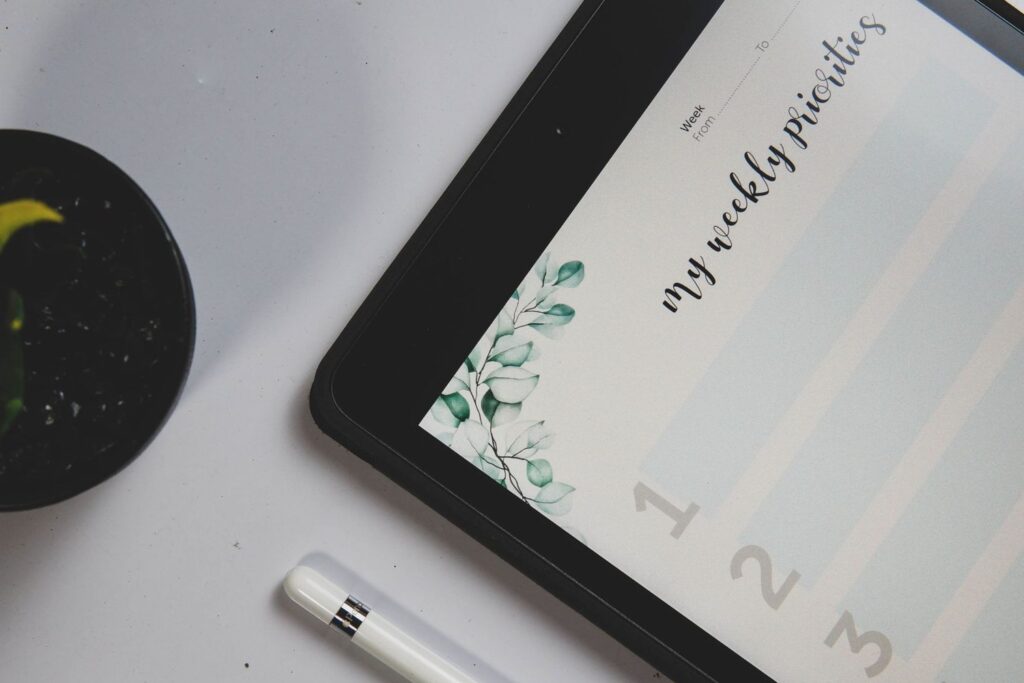
- Digital planners. Hyperlinked PDF planners for tablet apps like GoodNotes, with tabs that jump between months. Test every link on a tablet before you list it.
- Recipe e-books. A themed collection, like 30-minute dinners. Canva’s e-book example uses a nutritionist with food photos: allowed, as long as unedited Pro photos stay within the 480,000-pixel limit.
- Workbooks and guided journals. Prompts and exercises with space to write. Canva treats a finished e-book as a product, not a template, even if it has sections to fill in.
- Short how-to guides. 20-40 pages that solve one problem. If you’re still choosing a topic, our list of 50 digital product ideas for beginners has more.
Products to make from scratch only (24-25)
These two are popular on Etsy, but Canva’s license doesn’t let you build them from its library.
- Digital stickers. For digital planners. Canva’s example says a sticker sheet of 20 library sports elements isn’t allowed, but a sheet of 20 quotes you wrote, typed in Canva fonts, is. Draw illustrated stickers yourself.
- Clipart and graphics packs. Buyers use these in other apps, so Canva says you have to create the designs from scratch. You can draw them in another app, or in Canva using your own drawings uploaded as images.
How to package each product for Etsy
| Product type | What the buyer downloads | Notes |
|---|---|---|
| Finished printable | PDF (and PNG if useful) | Include US Letter and A4 |
| Wall art | ZIP files with each size | Up to five files, each up to 20MB |
| Template with Pro content | PDF with a Canva template link | Template link needs a paid Canva plan to create |
| Template with Free content only | PDF, or PDF with a template link | Say which in the listing |
| Digital planner | Hyperlinked PDF | Test links on a tablet |
| E-book | Watch the 480,000-pixel limit for unedited Pro photos |
In every listing:
- Say exactly what’s included: number of pages, sizes and file types.
- Say what the buyer needs: a free Canva account for templates, a tablet app for digital planners, a printer for printables.
- Show the product clearly: 3-5 preview images, including one showing the whole set.
- Disclose AI use if any part of the item was made with AI, as Etsy’s Seller Policy requires.
Know the fees before you price
Etsy’s Fees & Payments Policy lists a $0.20 listing fee and a 6.5% transaction fee, plus payment processing (3% + $0.25 per order for US sellers). On a $3 printable, the fixed fees take a big share, so bundles often make more sense than single pages. Our guide to printables that sell on Etsy covers pricing and bundles in more detail.
Common mistakes Canva sellers make
- Selling a template that’s already in Canva’s library. Starting from a Canva template is fine for your own use, but the product you sell has to be your own original design, not a template with a new colour.
- Using Pro elements in a PDF template. It’s the easiest rule to break by accident. Before you export, check the design for any Pro element, or switch to a template link.
- Reselling single graphics. A page with one library illustration and a border is standalone use, even if it’s printed or framed.
- Copying another seller’s design. Etsy’s intellectual property policy lets rights holders report listings. Look at other shops for gaps in the market, not for designs to copy.
- Forgetting to test the download. Buy-test your own listing flow: open the PDF, click every link and print a page.
A simple plan for your first five listings
- Pick one buyer. For example, “busy parents” or “small salon owners”.
- Make five related products from the list above, like a meal planner, a chore chart, a budget tracker, a cleaning schedule and a bundle of all four.
- Check every design against Canva’s rules. Pro content in an editable template? Use a template link. Library clipart? Replace it with your own.
- Create listing images that show what’s inside.
- Promote on Pinterest. Our Pinterest for beginners guide shows how to set up a business account and get your pins found.
FAQ
Can I sell things I made in Canva on Etsy?
Yes, if they’re original designs. Canva’s license allows templates, printables, print products and e-books made with Free and Pro content, with conditions. You can’t sell Canva content on its own or with only small changes.
Can I sell Canva templates as PDFs?
Only if they don’t use Canva Pro content. Canva says templates with Pro content can only be sold as Canva template links. Templates made with Free content or your own photos can be sold as PDFs.
Can I sell Canva elements as clipart or stickers?
No. Canva doesn’t allow selling clipart that customers use in other apps if it’s made from Canva’s Free or Pro content. Create your own graphics from scratch instead.
Do I need Canva Pro to sell on Etsy?
No. You can design and sell printables on the free plan. You’ll need a paid plan to create template links and to use Pro content.
Do I need to tell buyers I used Canva?
Etsy requires you to disclose AI use, not the design tool. If you sell templates, tell buyers they need a Canva account to edit them.
Keep going
Ready to build your shop? Start with our step-by-step guide to opening an Etsy digital download shop, then pick your first products from 50 printable ideas that sell on Etsy and 25 Canva templates you can sell. For more ways to earn with the same tool, see 15 side hustles you can do with Canva.